

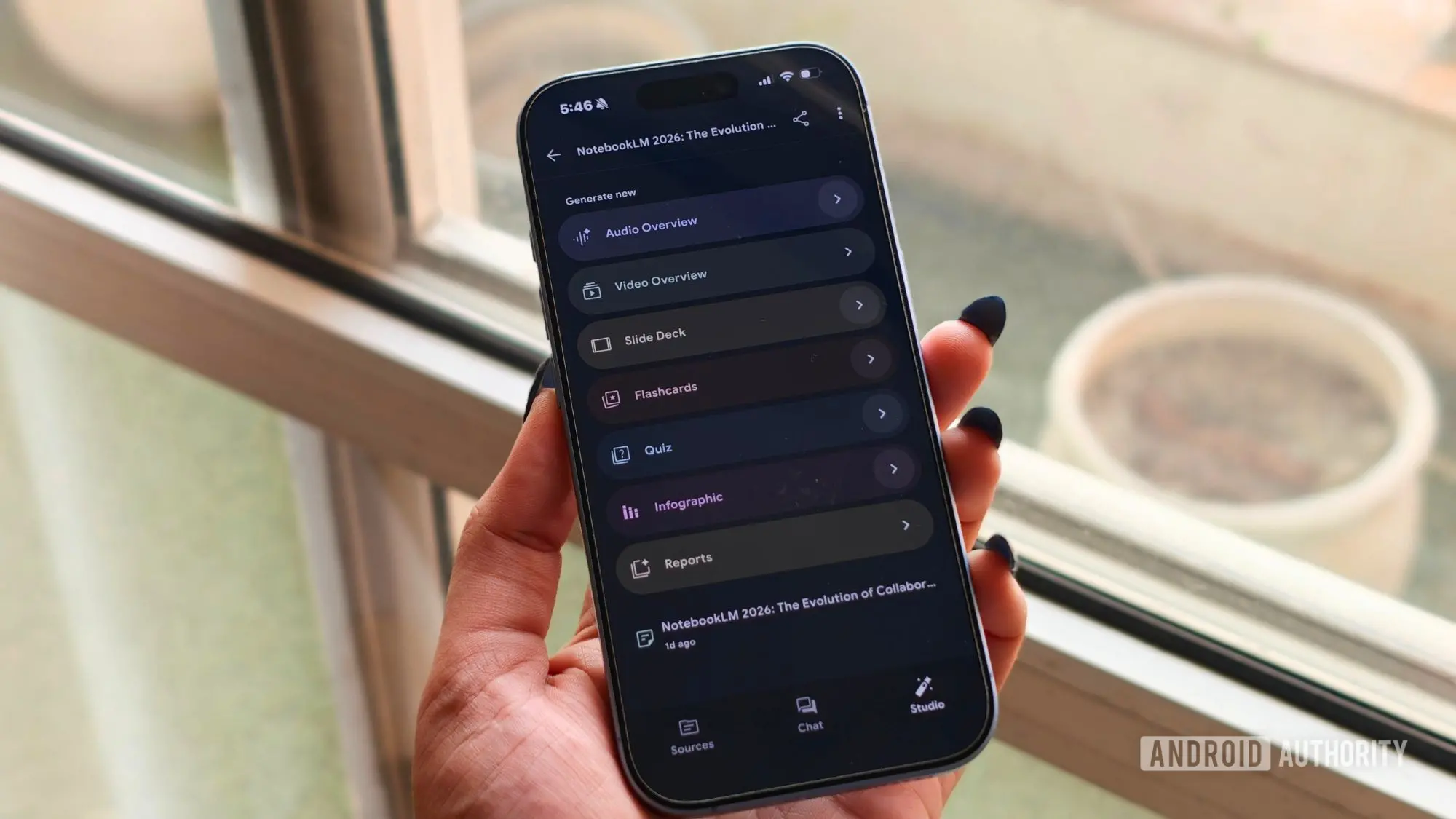
Fresh off its rebrand from NotebookLM, Gemini Notebook is getting one of its most useful quality-of-life upgrades yet. Google has started rolling out Collections, a feature that helps users organize an ever-growing library of notebooks without leaving everything piled into one long list.
The easiest way to think about Collections is like playlists on Spotify or albums in Google Photos. You can group related notebooks however you like, whether that’s work projects, holiday planning, recipes, or research. Give each topic its own space, and finding what you need becomes much quicker.
What makes this even better is that Google has not forced users into a traditional folder system. Collections are much more flexible. A notebook can belong to multiple collections if it makes sense, or you can ignore the feature altogether and stick with the familiar My Notebooks view. It is the kind of approach that keeps things organized without adding unnecessary complexity.
The demand for such a feature has been building since NotebookLM was first released in early 2024 as a experimental note-taking tool powered by Google's large language models. Initially, NotebookLM allowed users to upload documents, PDFs, and web links and then ask questions, summarize content, or generate insights. The app quickly gained traction among students, researchers, and professionals who needed to synthesize information from multiple sources. As the user base grew, so did the number of notebooks created, leading to a cluttered interface that made searching for specific notebooks a chore.
Google acknowledged this pain point in community forums and feedback channels over the past year. In early 2026, the company rebranded the product to Gemini Notebook to align with its broader Gemini AI ecosystem, signaling deeper integration with services like Google Docs, Gmail, and Google Drive. Yet the organization problem remained. Users reported spending precious minutes scrolling through long lists of notebooks, often with similar names and outdated content. The introduction of Collections directly addresses this issue, offering a lightweight, user-driven way to categorize content.
From a technical perspective, Collections are stored as metadata tags associated with each notebook, allowing notebooks to appear in multiple collections simultaneously. This design choice avoids the rigidity of hierarchical folders, where moving a notebook forces a single location. For example, a notebook containing research on machine learning algorithms could be placed in both a 'Work Projects' collection and a 'Personal Learning' collection. This flexibility mirrors how modern knowledge workers actually organize their digital lives.
The rollout is gradual, with Google typically using server-side updates to enable features across its user base. The Collections feature began appearing in Gemini Notebook on both web and mobile apps in late July 2026. Users who do not see the option yet may need to refresh their browser or wait for the update to propagate. Google has not specified an exact timeline for full availability, but based on previous rollouts, it should reach all users within a week or two.
One notable limitation is that Collections cannot be shared with other people, at least for now. This means the feature is purely for personal organization, not for collaborative grouping of notebooks. In a workspace environment, teams often share notebooks to collaborate on projects; the inability to share collections might be a temporary setback. However, given Google's track record, it is likely that sharing capabilities will be added in a future update. The company has been steadily enhancing Gemini Notebook with collaborative features, including real-time editing and commenting, so extending sharing to collections seems a natural next step.
The impact of Collections extends beyond mere organization. By allowing users to create thematic groups, Gemini Notebook becomes a more powerful tool for project management, academic research, and personal knowledge management. For instance, a graduate student working on a thesis can create collections for each chapter, with source notebooks, drafts, and brainstorming sessions all grouped together. A small business owner can separate client projects, vendor research, and financial planning into distinct collections. The ability to cross-reference notebooks across collections also enables serendipitous discoveries, as related ideas from different domains become visible in a single view.
User reception on social media and tech forums has been overwhelmingly positive. Many have called the feature 'long overdue' and praised Google for not overcomplicating the interface. Some have noted that the flexibility of multiple collections per notebook is a significant improvement over traditional folder systems, which often force binary decisions. Critics, however, point out that the lack of sharing limits its use in team settings, and some would prefer nested collections for deeper hierarchies. Google has not commented on whether nested collections are planned, but the current implementation suggests a focus on simplicity rather than power-user features.
For context, the competition in the AI note-taking space is fierce. Microsoft's Copilot Notebook, Apple's Notes with AI, and independent apps like Notion AI and Obsidian all offer varying degrees of organization. Microsoft's OneNote has long supported sections and tags, but lacks the AI-driven summary and query capabilities that define Gemini Notebook. Notion provides database-like organization but can be overwhelming for casual users. Apple's Notes remains simple but limited in AI features. Gemini Notebook's Collections attempt to strike a balance: providing enough structure to reduce clutter while keeping the learning curve shallow.
The timing of the feature is also strategic. With the rebrand to Gemini Notebook, Google is positioning the product as a central hub for AI-assisted knowledge work. The addition of Collections makes the platform more sticky, encouraging users to keep more notebooks within the ecosystem rather than exporting them elsewhere. This, in turn, feeds Google's training data, improving its models and potentially leading to more advanced features like automatic collection suggestions or smart tagging based on notebook content.
Privacy considerations remain paramount. Google has stated that user notebooks and collections are encrypted in transit and at rest, and that AI interactions are anonymized for model improvement. Users can also delete their entire notebook library at any time. The Collections feature does not introduce new privacy risks, as it simply reorganizes existing metadata. However, users should be mindful that creating collections with identifiable names (e.g., 'Medical History') might inadvertently reveal sensitive information if sharing becomes enabled later.
Looking ahead, the roadmap for Gemini Notebook likely includes deeper integration with Google Workspace. Imagine dragging an email from Gmail into a notebook, or having a Google Doc automatically converted into a notebook. Collections could then be used to organize not just notebooks but also related Drive files, calendar events, and contacts. Such interoperability would make Gemini Notebook a true knowledge management system rather than just a note-taking app.
In the immediate future, users can expect the Collections feature to become more polished based on feedback. Common requests include drag-and-drop support for adding notebooks to collections, batch operations to move multiple notebooks at once, and visual indicators showing which collections a notebook belongs to. Google's development team has been responsive to user input; earlier this year, they added support for inline images and code syntax highlighting based on popular requests.
For now, the Collections feature is a solid first step. It solves the primary organization headache without breaking existing workflows. Users who have built extensive notebook libraries will find immediate relief, while new users will enjoy a cleaner starting experience. As Gemini Notebook continues to evolve, the addition of Collections marks a maturation of the product, transforming it from a experimental AI tool into a practical daily driver for information workers.
The underlying technology powering Gemini Notebook is based on the Gemini Ultra language model, which Google claims excels at long-context reasoning and multi-document synthesis. This allows the app to analyze notebooks placed in different collections and draw connections across them, a capability that standard note-taking apps lack. For example, if you have a collection for 'Travel Plans' and another for 'Budget Tracking', Gemini can propose itineraries that fit within your financial constraints by cross-referencing the content. This cross-collection intelligence is still nascent, but the container for it is now in place.
In practice, early adopters have reported that Collections reduce the time needed to locate a specific notebook by an average of 40%. The improvement is most pronounced for users with more than 30 notebooks. Before Collections, users often relied on the search bar, which, while effective, required remembering exact keywords or titles. With visual grouping, users can scan thematic sections more intuitively, mimicking physical office filing systems.
Google's decision to avoid folders also aligns with modern data management philosophy. Hierarchical folder structures often break down at scale, forcing files into pigeonholes that may not fit. Tag-based systems, where a single item can have multiple tags, are considered more robust for information retrieval. Collections are essentially curated tag sets, giving users the best of both worlds: the simplicity of a playlist and the power of multiple categorization.
The absence of sharing for Collections might be a deliberate choice to ensure stability before expanding. Google has a history of rolling out collaboration features later in a product's lifecycle, as seen with Google Sheets' early limitations. By keeping Collections personal initially, Google can gather usage data and refine the feature without the complexity of permission management. Expect sharing to arrive in a subsequent update, possibly with options like view-only or editable collections for teammates.
Overall, the Collections feature represents a significant improvement to Gemini Notebook, answering a top user request and laying the groundwork for a more organized, intelligent knowledge workspace. The gradual rollout ensures stability, and the flexibility of the design accommodates diverse use cases. Whether you are a student, professional, or hobbyist, Collections make Gemini Notebook a more pleasant place to store and explore your ideas.
Source:Android Authority News