

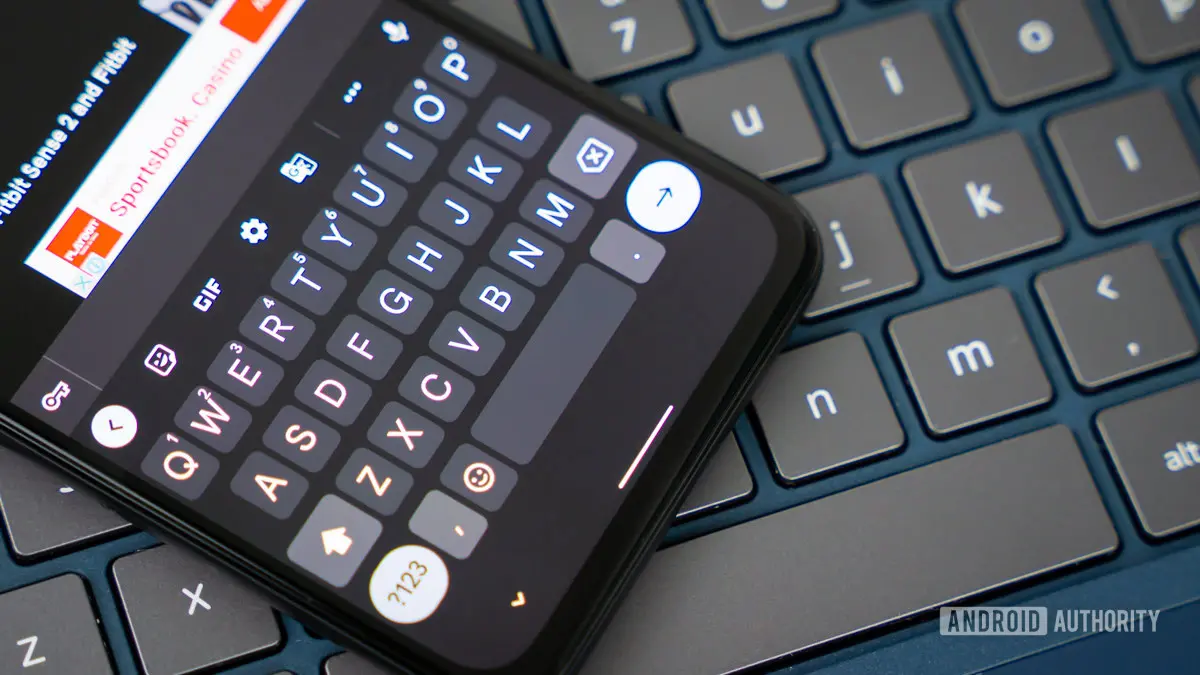
Google's popular keyboard app, Gboard, is reportedly working on a new feature that could give users more control over how spaces are inserted after selecting autocorrect suggestions. Currently, when you tap a suggested word from Gboard's suggestion strip, the keyboard automatically inserts a space after it. While this is convenient for continuing a sentence, it often forces users to delete an unwanted space when they intend to add punctuation, attach a suffix, or combine words directly. The upcoming toggle, discovered in a recent APK teardown, would allow users to disable this behavior entirely.
What is the New Feature?
The feature appears as a simple toggle labeled ‘Auto-space after suggestions’ within Gboard’s settings under Corrections & suggestions. When enabled, the keyboard retains its current behavior of adding a space after tapping a suggestion. When disabled, no space is inserted, leaving the cursor immediately after the selected word. This gives users the freedom to manually add a space, punctuation, or any other character without needing to backtrack.
This change may seem small, but it addresses a long-standing frustration among power users who frequently type punctuation marks like periods, commas, or exclamation points after autocorrected words. For example, if you type “I am going to the store” and then tap a suggested correction for “store,” Gboard currently places a space after it, so you would have to delete that space before typing a period. With the new toggle off, you could simply tap the suggestion and then immediately type a period, making the process much more efficient.
How Does It Work?
The toggle was activated during testing and functioned exactly as expected. With the option turned off, tapping a suggestion no longer triggers an automatic space insertion. This behavior applies to all suggestion types, including word completions, predictive text, and correction candidates. The feature appears to be stored in Gboard’s settings database, and when enabled, it overrides the default behavior.
It is important to note that this is still an unreleased feature. The toggle was found in an APK teardown of a beta version of Gboard, which means it is not yet available to the general public. Google has not officially announced the feature, and there is no guarantee that it will be rolled out in a future update. However, given that the feature is fully functional in testing, many believe it is likely to appear in a stable release eventually.
Why Does This Matter?
Keyboard customization is a major factor in user satisfaction, and Gboard has long been praised for its extensive settings. From gesture typing to clipboard management, Google has consistently added features that allow users to tailor their typing experience. The auto-space feature is a natural extension of this philosophy, giving users the choice to handle spaces in a way that suits their typing style.
For journalists, programmers, or anyone who frequently writes with punctuation, the current auto-space behavior can be a hindrance. Deleting unwanted spaces adds an extra step that slows down typing. By offering a simple toggle, Gboard would empower these users to work more efficiently. Moreover, this feature aligns with similar options available on some third-party keyboards, though Gboard’s implementation is likely to be more polished due to its integration with Google’s AI and machine learning models.
Broader Context and Recent Developments
This discovery comes alongside another major Gboard feature uncovered recently: a potential accessibility tool that uses the phone’s camera to translate sign language into text. While the auto-space toggle is a smaller update in scope, it has the potential to benefit a much wider audience. Google appears to be investing heavily in both advanced accessibility features and quality-of-life improvements for everyday users.
Gboard has evolved significantly since its launch in 2016. Originally a replacement for the Google Keyboard, it quickly became the default keyboard on many Android devices. Over the years, it has added features like one-handed mode, emoji search, GIF support, and live captions. The addition of a toggle for auto-spaces would be another incremental yet meaningful improvement.
User feedback has long indicated that small customizations like these are highly valued. Online forums and social media posts often highlight frustrations with automatic spacing, especially when typing in languages that use spaced compounds or when typing technical terms with hyphens or underscores. The auto-space toggle would address these specific pain points without overwhelming users with too many settings.
Technical Details and Implementation
The APK teardown revealed that the toggle is stored in a boolean setting within Gboard’s configuration files. When the setting is present, it overrides the default space-insertion logic. The feature was tested on a Pixel 6a running Android 14, and it worked across multiple apps, including messaging, email, and note-taking applications. No performance issues or bugs were observed.
It is worth noting that Gboard’s suggestion strip is not just for autocorrect; it also includes word completions based on context. The toggle appears to affect all types of suggestions equally. Additionally, the feature does not interfere with other spacing behaviors, such as the space after punctuation in some languages or the automatic insertion of spaces after periods.
Developers and beta testers have speculated that the toggle might be part of a broader effort by Google to modularize Gboard’s settings. Rather than offering a single on-off switch for all spacing behaviors, future updates could introduce more granular controls. For now, the auto-space toggle is the only new spacing-related option found in the code.
Potential Impact on Daily Use
Consider the scenario of composing an email that includes a URL or an email address. Often, after typing a suggested word, you want to immediately type a dot or a slash without a space. With the toggle off, you can do so seamlessly. Similarly, when writing in languages that use contractions or joined particles, the auto-space feature can be a nuisance. Users of languages like German, where compound words are common, may find the toggle particularly useful.
Another use case is when typing abbreviations or acronyms. For instance, if you type “NASA” and Gboard suggests a correction, you might want to add a period after it to form “NASA.” Without the auto-space, you would simply tap the suggestion and then the period key. With the default behavior, you would have to delete the space first.
Text messaging and social media also benefit from this change. When you want to add a punctuation mark like a question mark or exclamation point to a suggested word, not having to delete an extra space speeds up the process. Even though it saves only a fraction of a second per instance, over the course of a day’s typing, it can add up to significant time savings.
Comparisons with Other Keyboards
Apple’s iOS keyboard does not offer a similar toggle, though third-party keyboards like SwiftKey and Fleksy have provided options to control spacing behavior for years. Gboard’s potential addition would bring it on par with these competitors, further solidifying its position as the most customizable keyboard for Android. Microsoft’s SwiftKey, for example, allows users to turn off automatic spacing after predictions, and this feature has been well-received. Gboard’s implementation is likely to be more intuitive and deeply integrated with Android’s system settings.
Some keyboards even allow users to adjust the sensitivity of space insertion or set rules based on context. While Gboard’s toggle is binary, it is a step toward more advanced customization. Future updates could expand on this by allowing users to specify exceptions or set per-app behaviors.
What Users Are Saying
Online communities dedicated to Android and Gboard have reacted positively to the news. Many users expressed relief that Google is finally addressing this long-standing annoyance. Comments on forums like Reddit and XDA Developers highlight that the auto-space behavior has been a point of contention since the early days of predictive keyboards. Some users even developed workarounds, like using glitchy third-party keyboards or manually deleting spaces.
One user stated, “I’ve been waiting for this for years. It’s such a simple thing, but it will make typing feel so much more natural.” Another user noted that the feature would be particularly helpful for people who type in multiple languages, as automatic spacing rules often vary. A few users expressed concern that turning off auto-space might cause other issues, such as forgetting to add spaces when needed, but the toggle is optional, so users can choose what works best for them.
Google has not yet responded to user feedback regarding this feature, but the company’s history of listening to community requests is encouraging. Many features that first appeared in APK teardowns eventually made it to stable releases, including smart compose, voice typing improvements, and the built-in translator.
Future Outlook
If this toggle is released, it would represent another example of Google simplifying user experience by providing more control without cluttering the interface. The setting is tucked away in the corrections menu, so casual users may never encounter it, while power users can easily find and activate it. This approach mirrors Google’s design philosophy of offering advanced settings without overwhelming typical users.
Given that the feature is already functional in testing, an official rollout could come within the next few months, possibly as part of a stable Gboard update. However, as with all APK teardown findings, there is always a chance that Google could abandon it or drastically change its implementation. Users should monitor Gboard’s changelogs and news outlets for official announcements.
In the meantime, users who are bothered by the current auto-space behavior can consider alternative keyboards or manually delete spaces. But the prospect of a native Gboard toggle offers the best hope for a seamless, integrated solution. As Android continues to evolve, small quality-of-life improvements like this one contribute to a more polished and user-friendly ecosystem.
Source:Android Authority News